Project animation by the Claude Motion guide
What in your project is worth animating: storyboards by Anthropic’s Motion guide, your pick built in HyperFrames.
1.4K saves on X, as of Posted
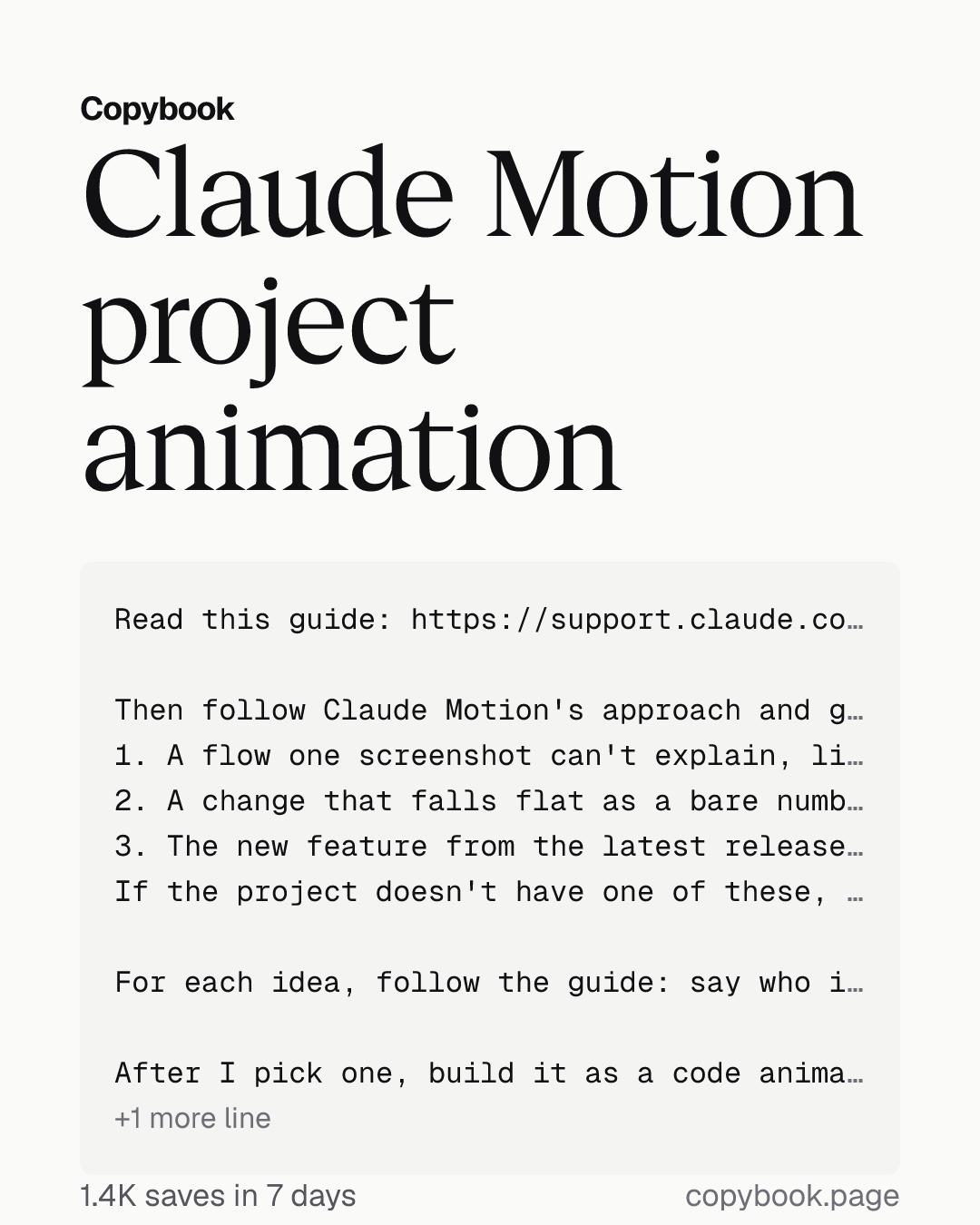
Read this guide: https://support.claude.com/en/articles/17454997-get-started-with-claude-motion

Then follow Claude Motion's approach and go through this project's README, landing page, onboarding flow, recent release notes and any charts in it. Find three kinds of things worth turning into an animation:
1. A flow one screenshot can't explain, like the steps a new user takes to get started.
2. A change that falls flat as a bare number, like the new version's speed compared with the old one.
3. The new feature from the latest release that's most worth showing.
If the project doesn't have one of these, just say so. Don't force it.

For each idea, follow the guide: say who it's for, where it will play and how long it runs, then write a storyboard with how many seconds each scene lasts and which words, numbers and screenshots appear on screen. Use only real content from the project. Rank the ideas by how useful they'd be to me.

After I pick one, build it as a code animation with HyperFrames (install it first if it isn't installed), with all the text, numbers and timings kept in one place. Later, when I say 'slow down the second scene' or 'change this number to 18%', change only that one thing. Render a draft first, grab one frame per second and look through them, fix the problems, then export a 1080p MP4.

Show me the storyboards first. Don't build anything until I pick.
Next Send it to Opus 5.5 in Claude Code, in your project.
Anthropic published its full getting-started guide for Claude Motion. Because every animation is code, you can change one word, one number or the length of one scene, and everything else stays untouched. You can have Opus 5.5 follow its approach to go through your project, find the things most worth animating, and build them in Claude Code.
Motion doesn’t use a video model. It animates only your text, charts, shapes and images. In Claude Code, Opus 5.5 writes the same kind of code with HyperFrames, and it even renders the MP4 on its own. The guide suggests you say who it’s for, where it will play and roughly how long it should run, and attach your own report, data or screenshots.
Send this prompt to Opus 5.5.
Share this tip