Camera moves to name in video prompts
Opus 5.5 videos that look like a slideshow: six camera moves by name with what each one does, plus seconds and speed to add.
343 saves on X, as of Posted
Camera moves
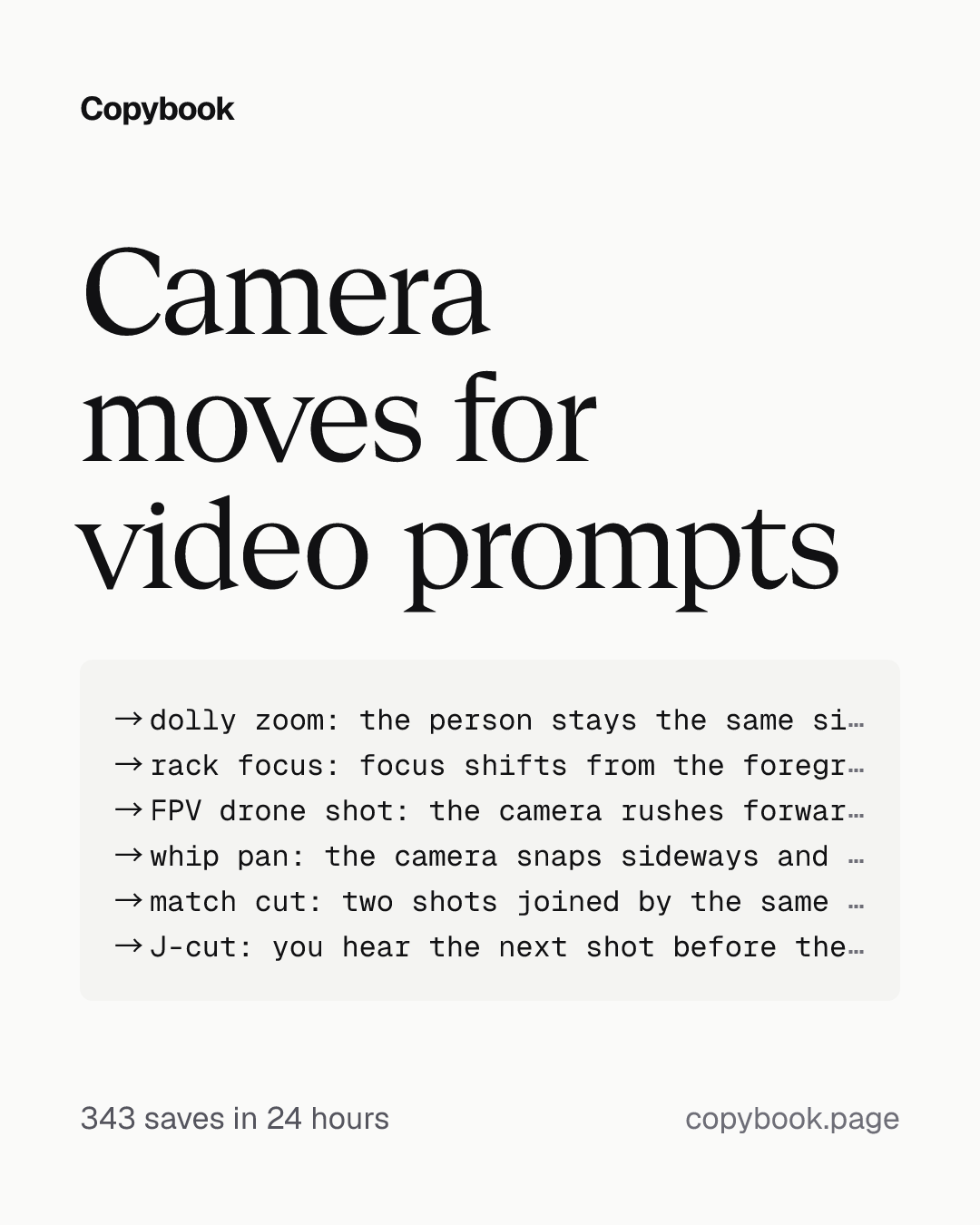
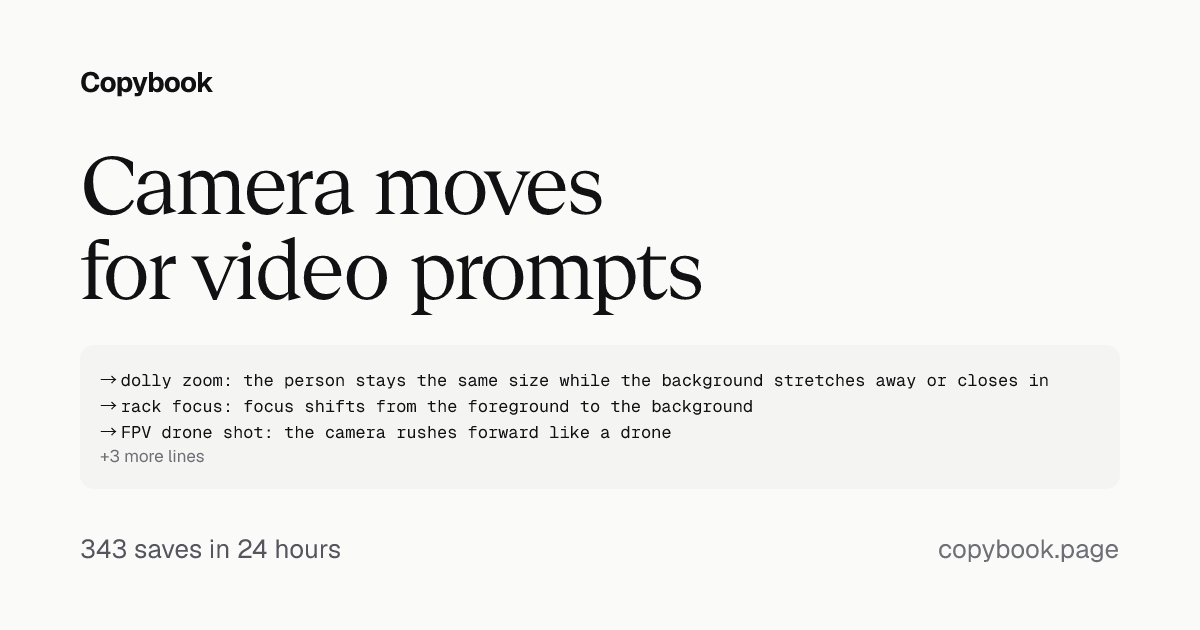
→ dolly zoom: the person stays the same size while the background stretches away or closes in
→ rack focus: focus shifts from the foreground to the background
→ FPV drone shot: the camera rushes forward like a drone
→ whip pan: the camera snaps sideways and blurs into the next shot
→ match cut: two shots joined by the same shape or motion
→ J-cut: you hear the next shot before the picture cuts
Next Paste the moves you want into your video prompt.
If you still think Opus 5.5’s videos look like a slideshow, try calling out the camera moves by name in your prompt.
Connect Higgsfield in Claude, and Opus 5.5 can put these names into your video generation prompts too.
All 24 are in the post’s image. When you name one, add the seconds and the speed, like “dolly in, 3 seconds, slowly toward the person.”
Share this tip