iOS simulator UI bug check with iPhone Duo
UI bugs in your iOS app: main screens tapped through, Duo poses checked if its simulator exists, smallest changes suggested.
956 saves on X, as of
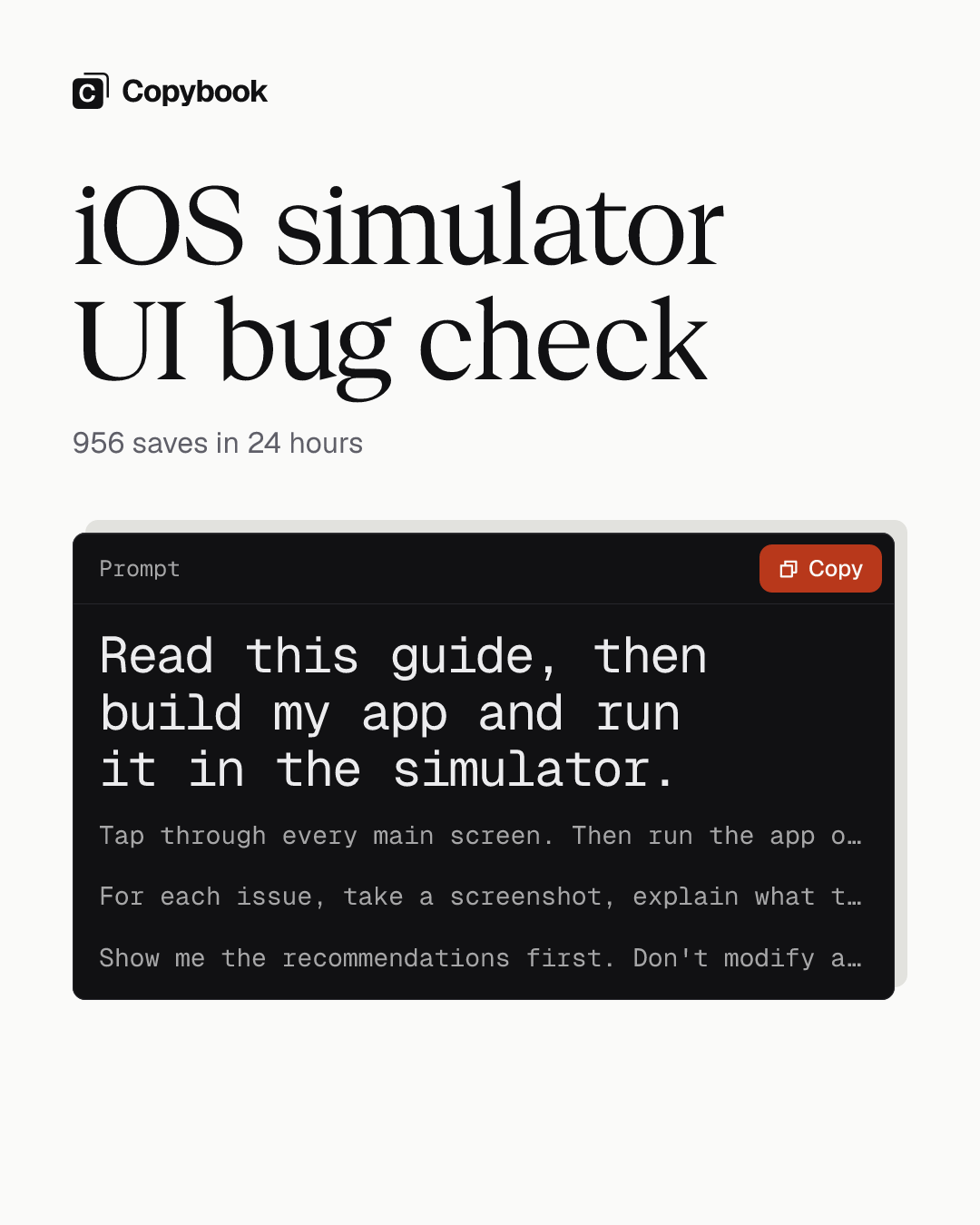
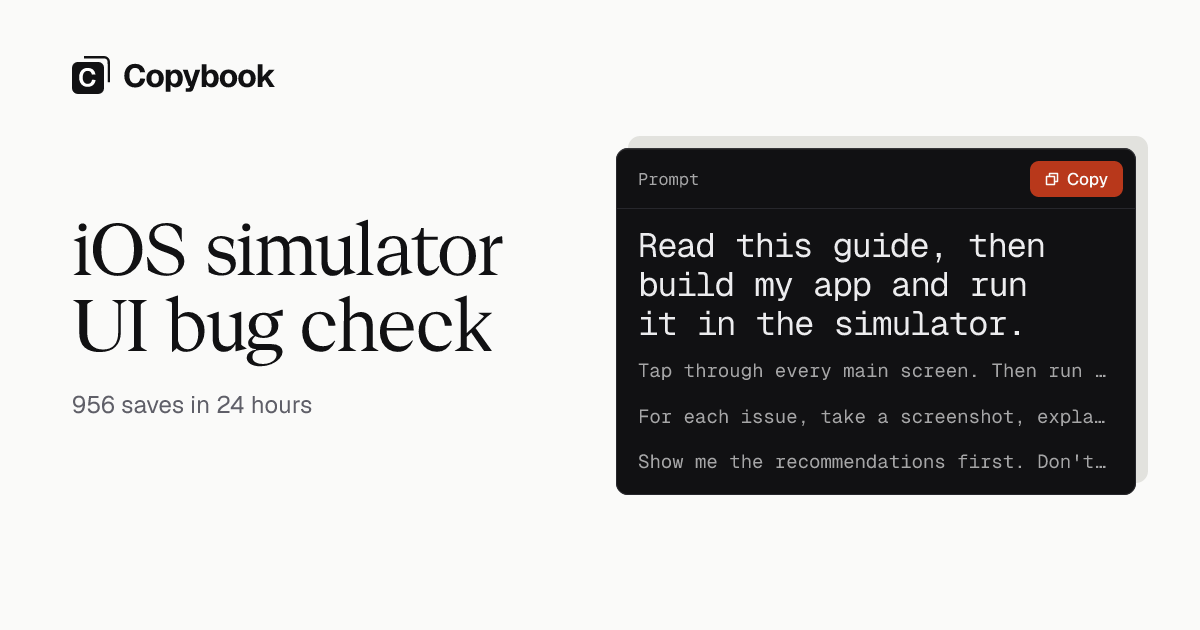
Read this guide, then build my app and run it in the simulator. Tap through every main screen. Then run the app on the iPhone Duo simulator and check each screen closed, half open, and open. Find three kinds of problems: layouts that break or get cut off; buttons and links that don't work or can't be reached; and screens that throw errors or don't match what the code is meant to do.

For each issue, take a screenshot, explain what the user would see, and suggest the smallest change needed. If a screen needs signing in, stop and ask me for a test account. If there's no iPhone Duo simulator, skip that step and tell me how to add one. List any changes involving payments or deleting data separately for me to decide.

Show me the recommendations first. Don't modify anything yet.
Use it
Send it to Claude Code on desktop with the link to Anthropic’s iOS simulator guide.
You get Recommendations first, with changes to payments or deleting data listed apart, nothing modified yet.
Anthropic just published a guide to the iOS simulator in Claude Code. You can ask Claude to use it to tap through your whole app in the simulator and find the UI and interaction bugs.
Lots of people know this feature, but few know how to get the most out of it. Run a few sessions at once without naming a simulator, and they all pile onto the same one. And it now supports the foldable iPhone Duo.
Send this prompt and the guide’s link to Claude Code on desktop.
Add Copybook to your agent, then ask it next time. Set it up
Share this tip