Later items from your last 20 sessions
What you said you’d do later and forgot: past sessions searched, items ranked, each one a card that opens its own session.
1.4K saves on X, as of Posted
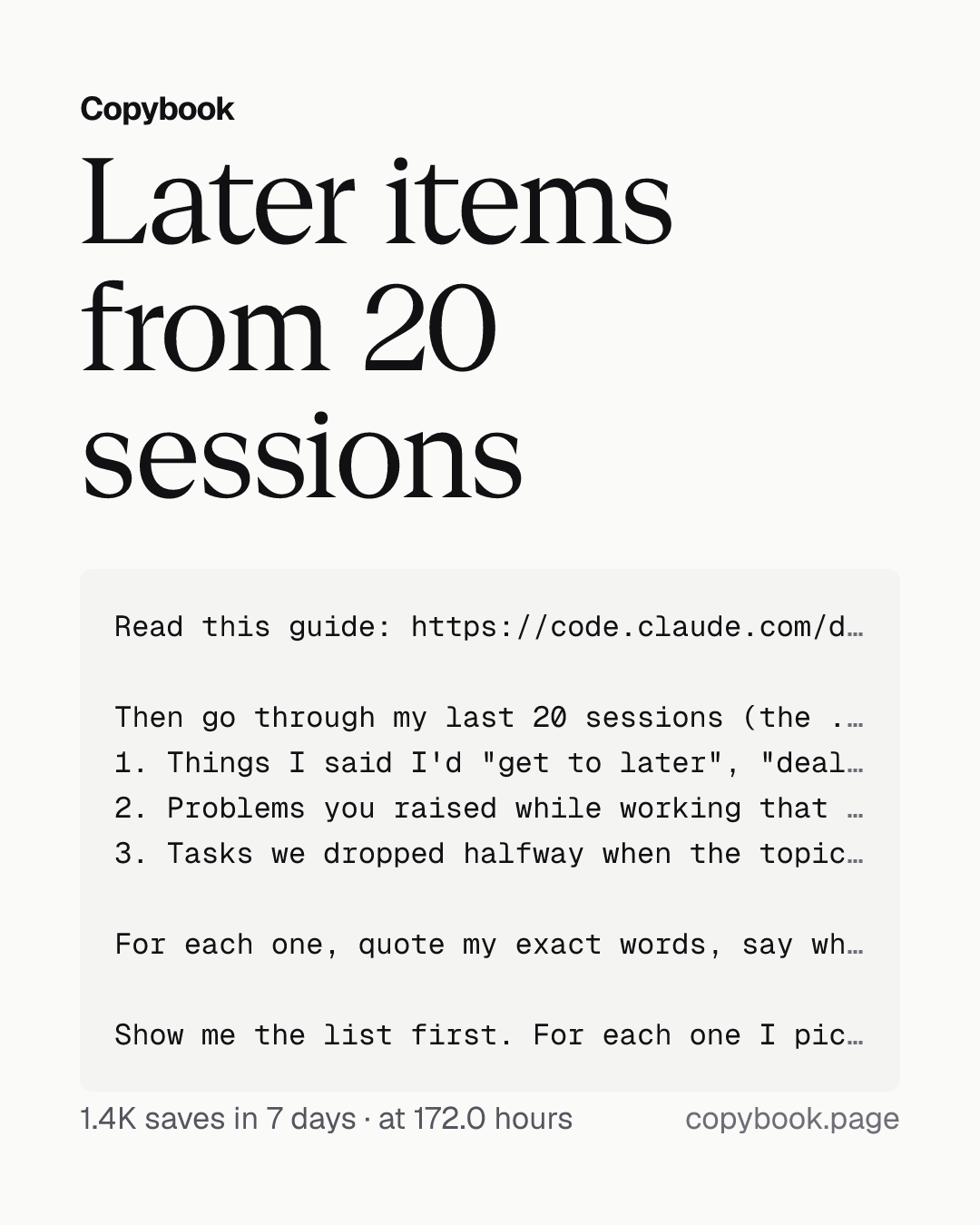
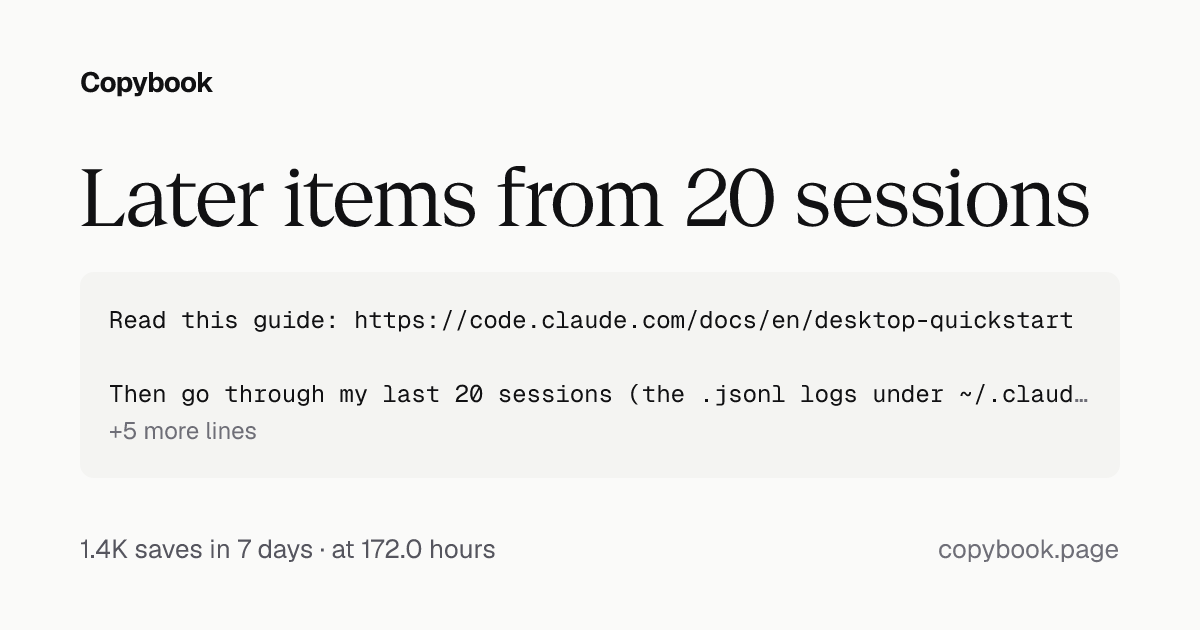
Read this guide: https://code.claude.com/docs/en/desktop-quickstart

Then go through my last 20 sessions (the .jsonl logs under ~/.claude/projects/, not counting this one; the files are big, so search them by keyword and don't read them whole) and find three kinds of work I said I'd do and never did:
1. Things I said I'd "get to later", "deal with next time" or "make a note of".
2. Problems you raised while working that were outside the task at the time, like dead code, stale docs, missing tests or security risks.
3. Tasks we dropped halfway when the topic changed.

For each one, quote my exact words, say which session and which file it was in, then check the current code and cross off anything already done. Rank them by impact on the project.

Show me the list first. For each one I pick, give me a new-session card I can start with one click.
Next Send it to Opus 5.5 in the Claude Code desktop app.
Anthropic just shipped a big update to the Claude Code desktop app and updated its full getting-started guide. You can ask Opus 5.5 to use it to go through your past sessions, find everything you said you’d “get to later” and then forgot, and start the ones you pick as new sessions.
While it works, it now points out what’s still left undone, like cart images with no set size or a checkout form missing labels. Each one becomes a card: click Start to fix it in a separate session, or Start all to open them all at once.
Hand it a few things at once and it opens a nested session for each, and each one reports back to the main session when it’s done. The sidebar groups sessions into Needs input, Working and Completed. To ask something on the side, type /btw and the main session keeps going.
Send this to Opus 5.5 and it’ll dig up every loose end you left behind.
Share this tip