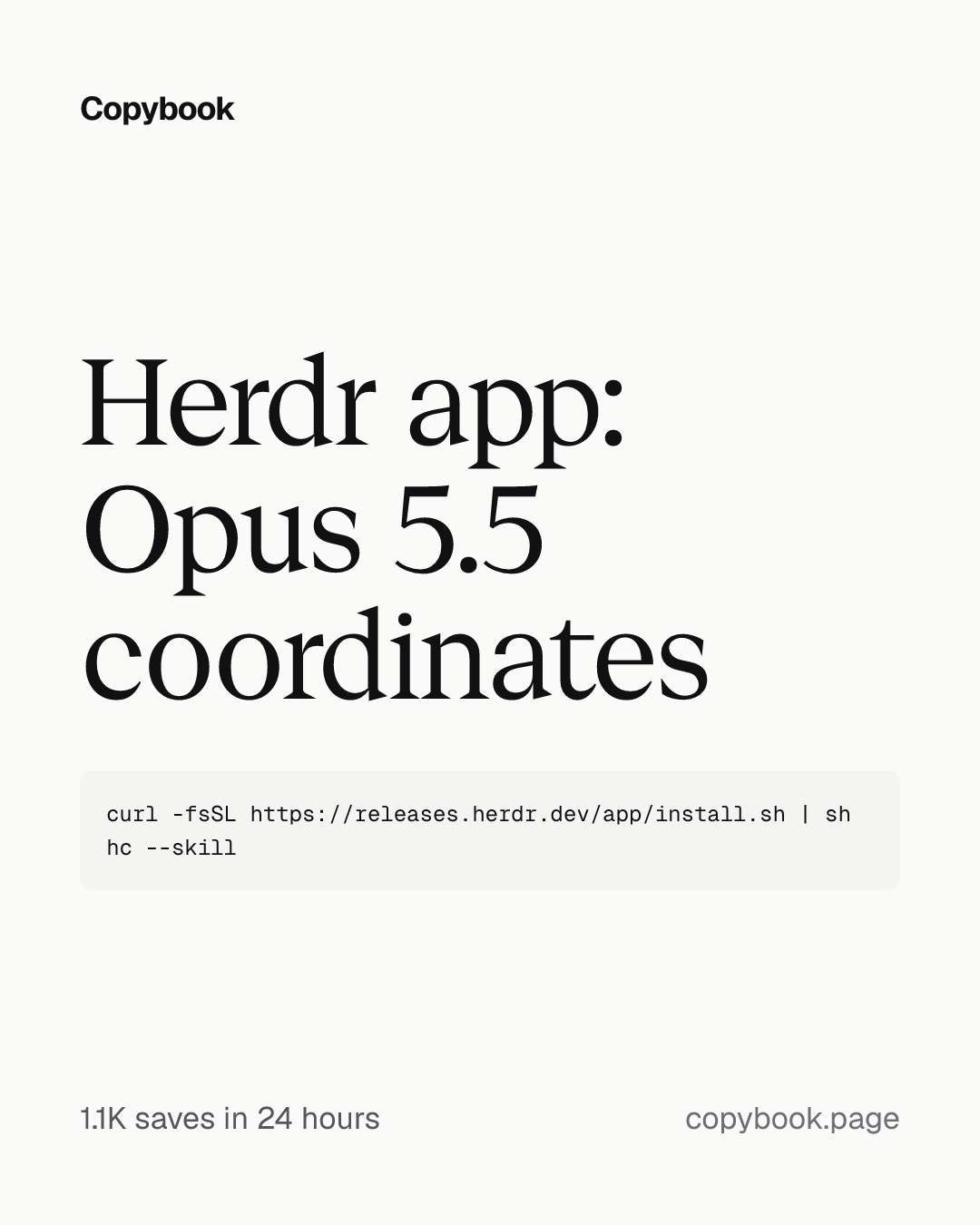
Herdr app: Opus 5.5 coordinating workers
Running more agents without leaving Claude Code: Opus 5.5 coordinates up to 10 workers through Herdr, and a Codex worker reviews.
1.1K saves on X, as of Posted
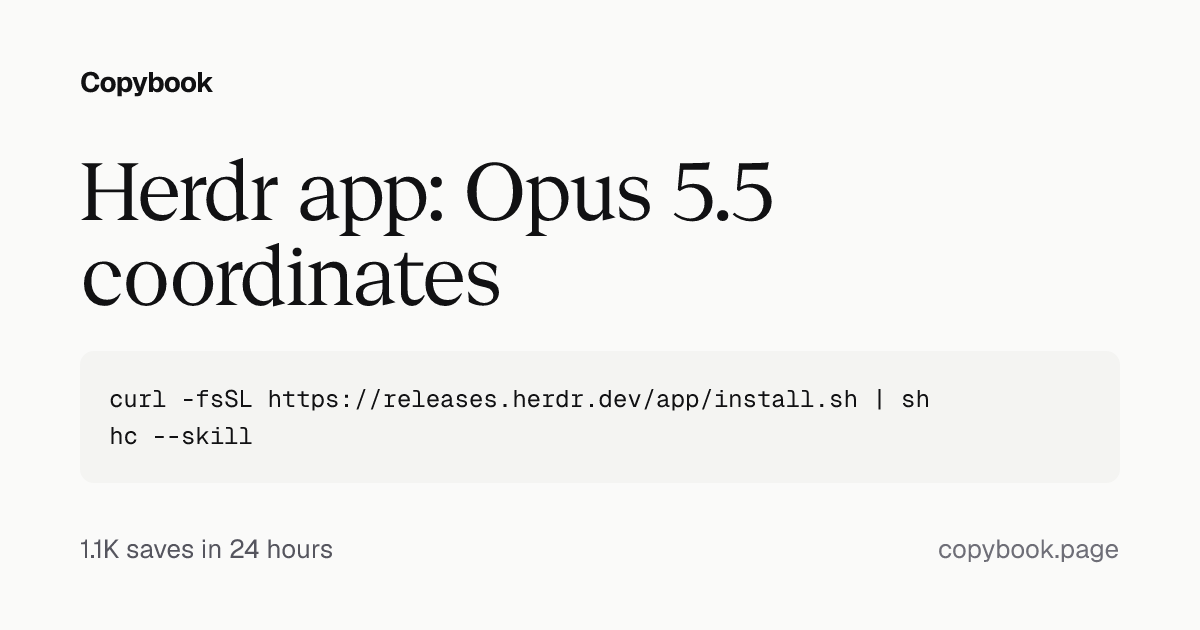
curl -fsSL https://releases.herdr.dev/app/install.sh | sh
hc --skill
Next In Claude Code on Opus 5.5, have it run the commands, then send the setup and delegation prompts.
Herdr now has its own desktop app. Install it, and Opus 5.5 can coordinate up to 10 workers through Herdr: Claude Code writes the code, and nitpick-obsessed Codex Astra reviews it. Hand off the heavy implementation work to Claude Code, including polishing your pages’ layout, interactions and visual details.
1. Install Herdr and its skill. Open Claude Code, select Opus 5.5 and have it run the Herdr install and hc --skill (Mac). Once installed, have Opus 5.5 confirm that hc works. You keep working in Claude Code: Herdr manages the workers in the background, so you don’t have to switch interfaces.
2. Have Opus 5.5 finish the setup.
Use the official Herdr docs and the instructions from hc --skill and herdr-app --skill to create a coordination Skill called herdr-desktop. Keep the main conversation in this Claude Code session and use hc to manage background workers. Don’t require me to operate inside a Herdr terminal.

Start separately named background workers for this task, explicitly setting the working directory. Check whether Claude Code CLI and Codex CLI are installed. If either is missing, install it. If authentication is needed, ask me to sign in.

After authentication, start one Codex worker using Astra, with reasoning effort explicitly set to xhigh. Give it a read-only task: inspect the project and explain its main entry points. Run Codex with --no-daemon and allow network access in its sandbox, or it can’t reach hc. The first time it starts in a new folder, it asks whether to trust that folder. If it gets stuck there, tell me. Wait for it to finish and read back its actual response to confirm that task dispatch and result retrieval work. If the model or configuration is unavailable, tell me. Don’t silently substitute another.

When the Herdr app is open, put the workers in a space so I can see them in the sidebar.

Save the verified startup, dispatch, wait, and result-reading procedures in the Skill. Don’t modify project code during setup.
3. Sign in to your Codex account. Opus 5.5 will check Codex’s login status. If needed, follow the prompts to authenticate with your ChatGPT account. After that, you keep assigning tasks in Claude Code, while Codex runs in the background using your ChatGPT account’s allowance.
4. Tell Opus 5.5 how to delegate.
From now on, use this workflow:

You are the coordinator.

→ Handle project understanding, planning, task decomposition, integration, and final review. Make the best decision that will elevate all three: the user experience (UX), developer experience (DX), and agent experience (AX) always, without breaking anything.

→ When a task needs substantial implementation, debugging, test fixes, or multi-file changes, delegate it to Claude Code through herdr-desktop. For frontend work, have it refine the layout, visual details, and actual interactions. Give it this rule: Do not design for rare or future cases nobody asked about.

Use Opus 5.5 for Claude Code workers and Astra for Codex workers, both with reasoning effort explicitly set to xhigh.

Briefly explain the division of work, then start independent tasks in parallel. Choose concurrency based on the task, machine load, and available allowance, up to 10 workers. You don’t need to use all 10.

Give each task a clear objective, working directory, necessary context, deliverable, and completion criteria. Use separate worktrees for parallel code changes. You own the integration.

Send follow-up feedback to the original worker whenever possible and continue its existing conversation. Don’t start over every round.

After a worker finishes, inspect the actual changes yourself and run the necessary checks after integration. For page changes, open the browser and check them.

After code changes, hand the review to a Codex worker that didn’t work on the implementation, with this rule: Rate each bug from 1 to 10 on how often it would happen and how bad it would be. If the two scores multiplied are below 5, just file it as an issue and leave the code alone.

Don’t treat a task as finished just because another agent says it is.

At the end, show me the result, what was verified, and any unresolved issues. Release task resources that are no longer needed while preserving the work and records needed to continue.
A few tips:
- Save the delegation instructions from step 4 in herdr-desktop too, so you can invoke the skill at the start of future tasks.
- Pair the skill with a clear end goal, for example: “Finish this pricing page, keep it consistent with the existing site, and check the mobile layout and plan switching.”
- Each account still has its own usage limits. Adjust concurrency to the task and remaining allowance.
- For long tasks, keep a record of progress, key decisions and next steps. When switching conversations, check the actual state before continuing.
It works the other way around, too: Codex coordinates and Claude Code executes. Swap the roles and their settings.
Share this tip