Pixel art rendering rules for CLAUDE.md
Pixels crisp in your sprites but blurry on screen: textures on Nearest, whole-number scaling, camera and sprites rounded alike.
306 saves on X, as of
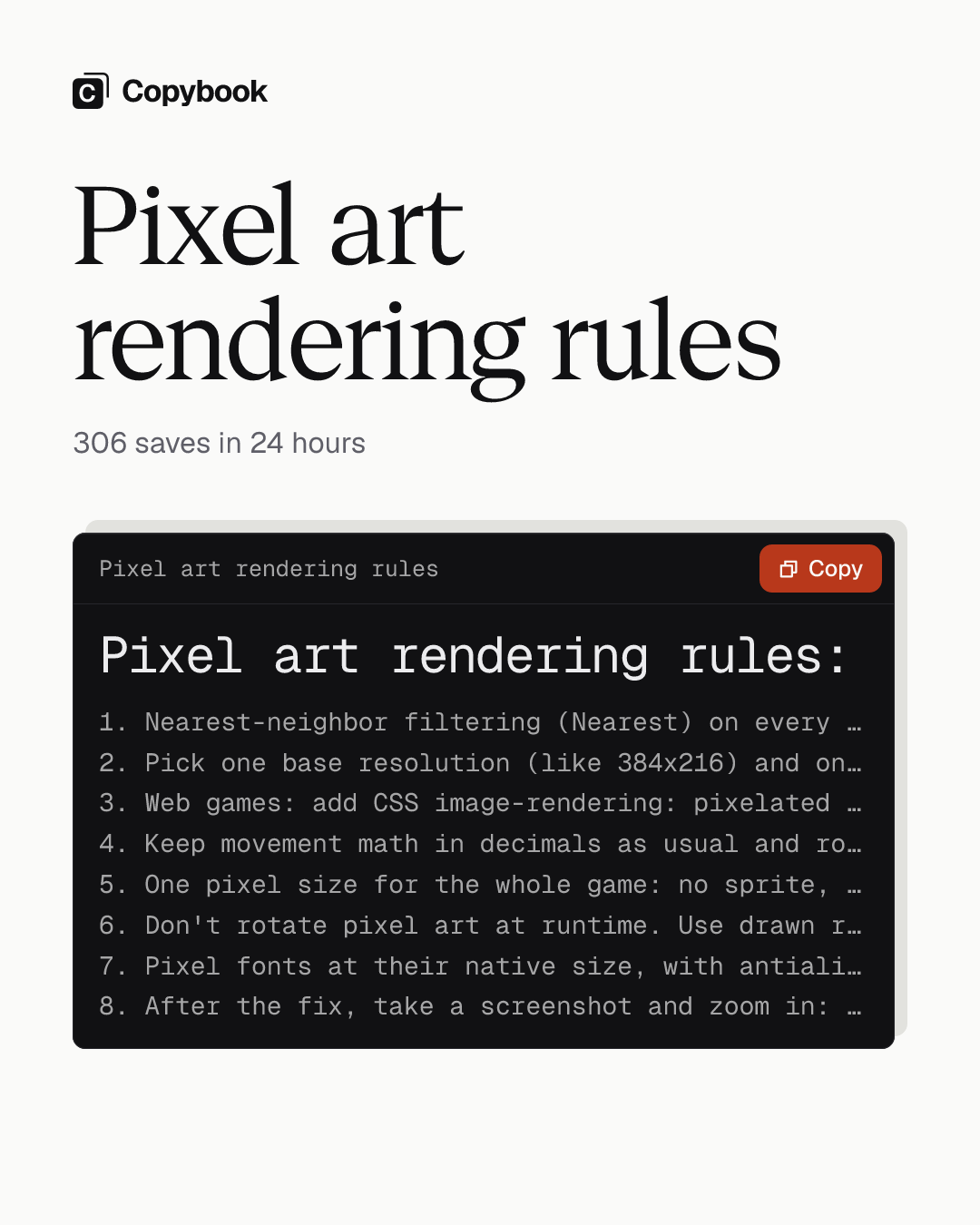
Pixel art rendering rules:
1. Nearest-neighbor filtering (Nearest) on every texture. No mipmaps, no lossy compression on sprites
2. Pick one base resolution (like 384x216) and only scale it by whole numbers. Fill the leftover space with black bars
3. Web games: add CSS image-rendering: pixelated to the canvas. If you draw with a 2D canvas, set imageSmoothingEnabled to false before drawing. Count whole-number scaling in the screen's physical pixels (window size times devicePixelRatio), not CSS pixels
4. Keep movement math in decimals as usual and round to base-resolution pixels only when drawing. Round the camera and the sprites the same way, or they'll jitter against each other
5. One pixel size for the whole game: no sprite, tile, particle, effect or UI element gets its own scale
6. Don't rotate pixel art at runtime. Use drawn rotation frames, or only rotate in 90 degree steps
7. Pixel fonts at their native size, with antialiasing off
8. After the fix, take a screenshot and zoom in: every pixel is a square of the same size, none two pixels wide, no blurry edges. From now on, before a new asset goes in, put it next to a tile at its original size and check the pixel grid matchesGodot 4:
- Display > Window > Size: set Viewport Width/Height to your base resolution
- Rendering > Textures > Default Texture Filter: Nearest
- Display > Window > Stretch: Mode viewport, Scale Mode integer (4.3+)
- Rendering > 2D > Snap: turn on Snap 2D Transforms to Pixel
- Sprite import: Compress Mode Lossless. Pixel font import: Antialiasing None, Subpixel Positioning Disabled
Unity:
- Sprite import: Filter Mode Point, Compression None, Generate Mip Maps off, the same Pixels Per Unit on every sprite
- Add a Pixel Perfect Camera to the main camera and set it to your base resolution
- Anti-aliasing (MSAA) off
Web (Phaser):
- Set pixelArt: true in the game config. It turns off antialias and turns on roundPixelsUse it
Send them to Claude Code and have it add them to CLAUDE.md.
You get Same-size square pixels and a camera that stops jittering when it follows your character.
The pixel art game you made with Claude is probably blurry right now. You just haven’t looked up close.
Game engines and browsers smooth textures by default, so pixels that were crisp in your sprites come out blurry on screen. Add a non-integer scale like 1.5x and the same line ends up two pixels wide in some places and one in others.
If you’re making a pixel art game with Claude Code, send it these rules and have it add them to CLAUDE.md. After the fix your game looks as clean as the indie games on Steam, and the camera stops jittering when it follows your character.
Add Copybook to your agent, then ask it next time. Set it up
Share this tip