DESIGN.md from sites you like
Pages look AI-made since Opus hasn’t seen what you like: 3-5 screenshots become a DESIGN.md; add taste-skill and Impeccable.
1.3K saves on X, as of Posted
Prompt
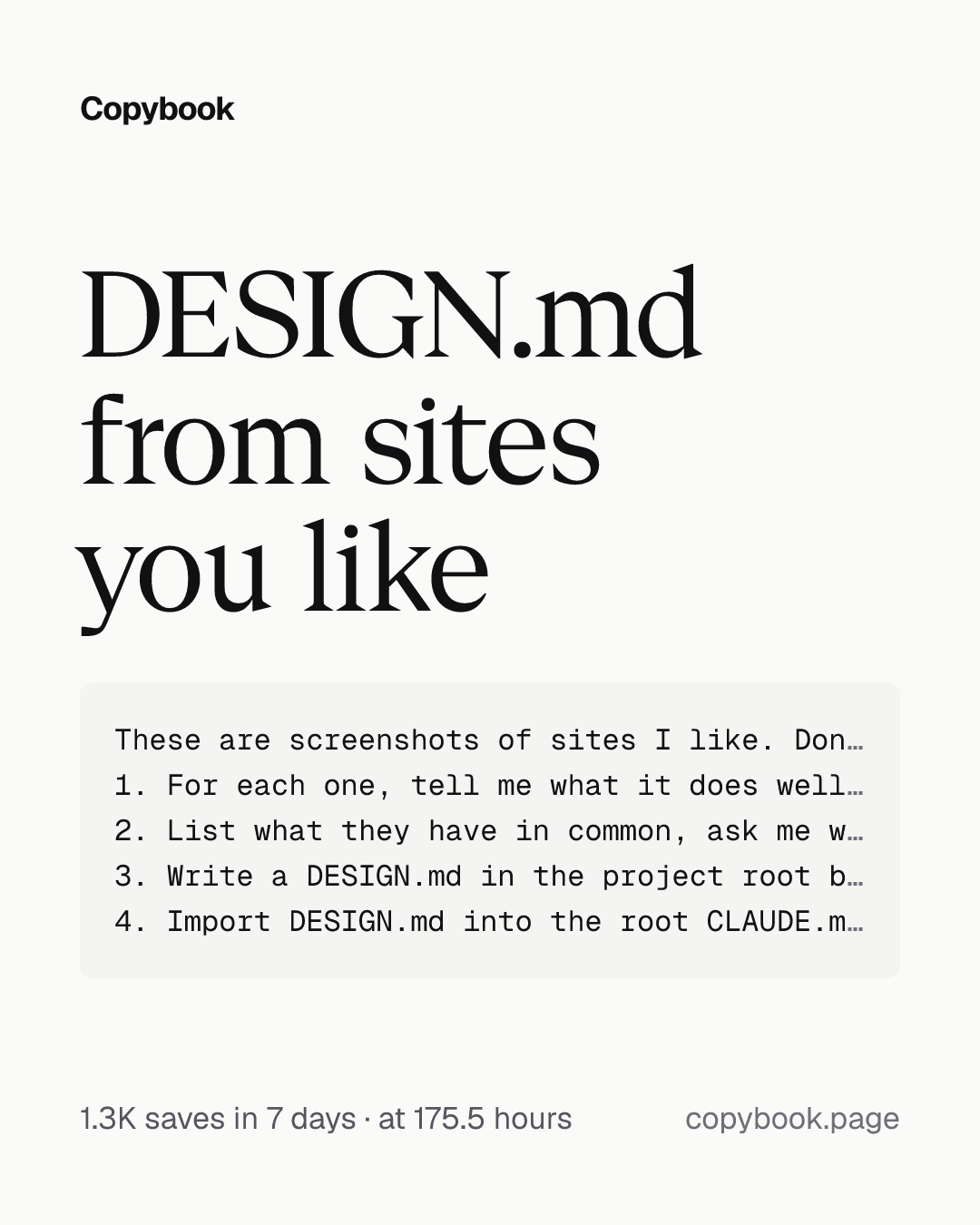
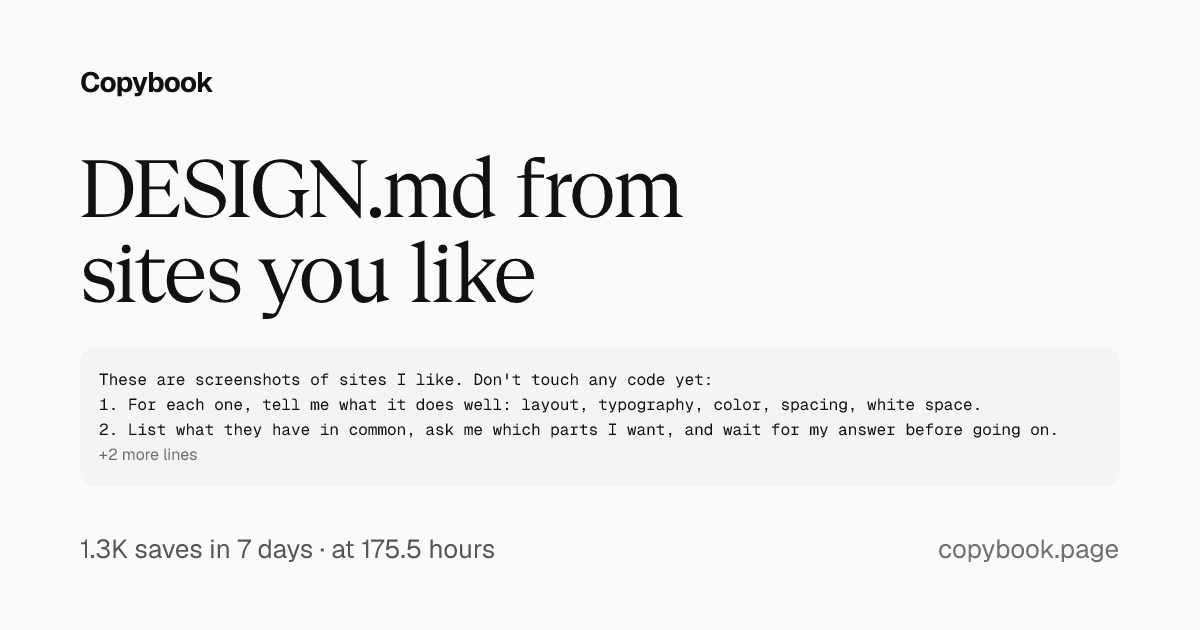
These are screenshots of sites I like. Don't touch any code yet:
1. For each one, tell me what it does well: layout, typography, color, spacing, white space.
2. List what they have in common, ask me which parts I want, and wait for my answer before going on.
3. Write a DESIGN.md in the project root based on what I pick, with real values: font sizes, weights, color codes, spacing, corner radius. Mark anything you can't tell from the screenshots as an estimate. Don't make it up. Keep it short, one screen at most.
4. Import DESIGN.md into the root CLAUDE.md with an @ line, not inside backticks. Then add a rule: after every page you finish, run /impeccable polish.
Commands: install the two skills
npx skills add Leonxlnx/taste-skill --skill design-taste-frontend
npx impeccable install
Next Send the prompt to Claude Code with 3 to 5 screenshots, and run the commands in your project root.
Opus 5.5 can make top-tier web design, as long as you show it top-tier design first. If your pages still look AI-made at a glance, it probably hasn’t seen the kind of design you like.
- Pick 3 to 5 sites you like on Godly, Refero or One Page Love, drag the screenshots straight into Claude Code, and have it tell you what makes each one look good.
- Turn the parts you pick into a DESIGN.md and import it into CLAUDE.md. Every page after that follows it.
- Install two design skills:
- taste-skill (90k+ stars): use it while building, so its pages stop looking like templates.
- Impeccable (70k+ stars): finish each page with
/impeccable polish. Run its install in your project root, then/impeccable initin Claude Code.
When you send the screenshots, add this prompt.
Part of a playbook
Design taste for Opus 5.5Pages look AI-made: a DESIGN.md from sites you like, components restyled, CSS checked.OpenShare this tip