Goal wrapper and 5 prompts built on it
One preference typed in three places: a goal wrapper, plus prompts for components, parallel runs, review, states and corrections.
309 saves on X, as of Posted
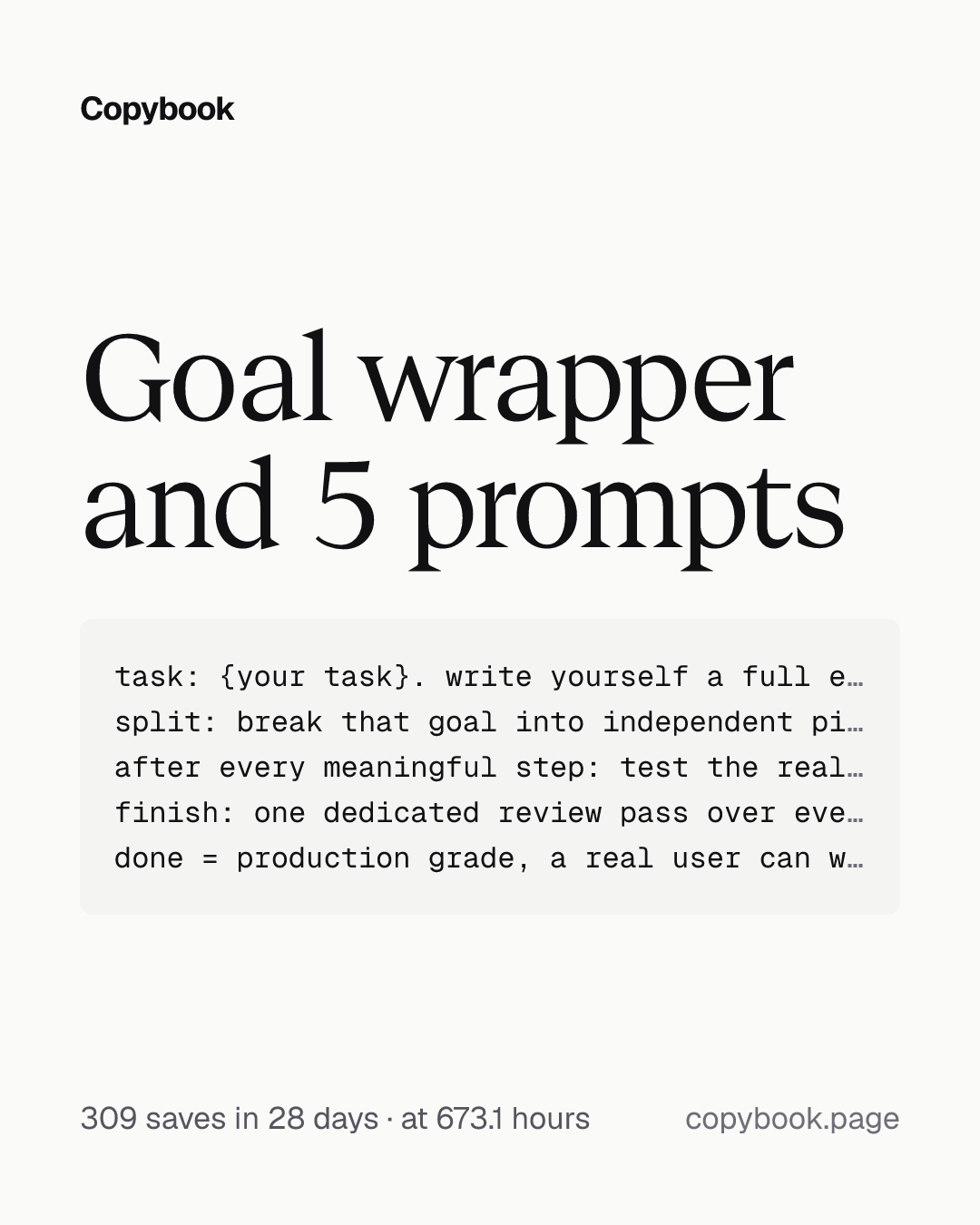
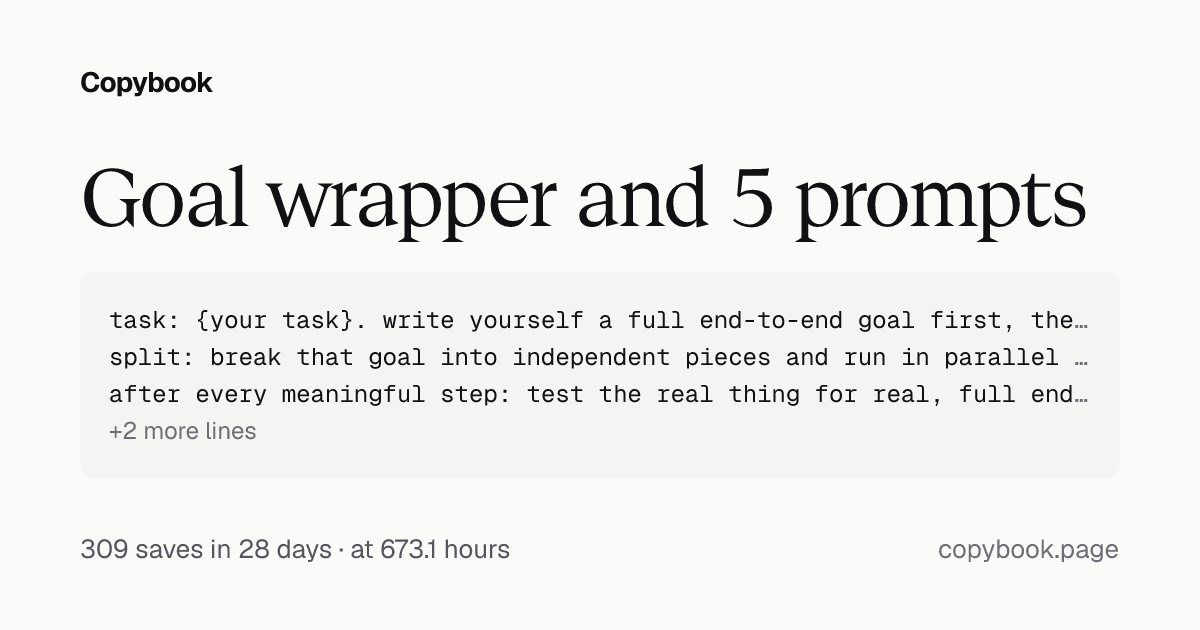
task: {your task}. write yourself a full end-to-end goal first, then keep going until the architecture and the result both meet the bar.
split: break that goal into independent pieces and run in parallel only as far as the work genuinely allows. every worker's goal carries its own deliverable, how to verify it, what counts as done, and which files it may touch.
after every meaningful step: test the real thing for real, full end to end, plus computer use, browser, keystrokes, whatever it needs. auto review, then commit, then write progress somewhere sensible in the project.
finish: one dedicated review pass over everything.
done = production grade, a real user can walk in and use it.
Next Swap in your task and send it to Claude Code or Codex in your project.
Stop telling Claude Code or Codex “do this,” “write code” or “fix this bug.”
You write the same preference into your CLAUDE.md, then into a skill, then you type it again in the next session. Three places, and it still makes you say it a fourth time. These 6 prompts compound the more you run them.
- Parallel end-to-end goal
Swap out {your task} and go. New feature, refactor, all the same. Don’t hardcode the progress path: tell it to write somewhere sensible and it finds the spot on its own. Two workers that write files get one worktree each. Sharing a checkout collides on files and on the git index. Read-only workers can share.
This is the goal wrapper. Everything below runs through it.
- Design system, then accessibility in the library
task: pull the scattered UI components, style tokens and repeated interactions into one component library. hand-rolled one-offs get replaced, all new UI goes through the library, no bypassing. this is a refactor, so start in a worktree.
then: fix accessibility at the library layer. contrast, font scaling, keyboard (Tab / Enter / Space / Esc), focus states, and the semantics of images, icon buttons, forms and status.
verify: start the app locally from the current commit and walk the core paths at desktop, tablet and phone. overlap, overflow, truncation, horizontal scroll, fix them one by one.
finish: record what changed and what risk is left, then write a review skill you run before touching UI next time.
done = low-vision, keyboard-only and different-device users can complete the core actions.
Run this through the goal wrapper. Fix it in the library and every component using it inherits. Page-level still needs its own pass: heading order, where focus lands after routing, live regions, image alt.
- Run several agents on one machine
install: brew install herdr. an agent multiplexer in your terminal. worktrees, panes and agent state in one place.
worktree: one per agent that writes files, read-only agents can share. herdr worktree create --branch <name> --base <base ref> --json
start: start it in a pane and pick the model family yourself. herdr agent start <name> --kind claude --pane <pane id>, or --kind codex
run: dispatch, then wait on state. herdr agent prompt <target> "<its own full goal>" --wait --timeout 600000
done = no agent is still working and each worktree is committed.
Use the goal wrapper to write each agent its own goal. Leave --timeout off and the wait is indefinite. Write --until done and you drop the blocked state, so an agent sitting on a permission prompt waits forever. The default already matches idle, done and blocked.
- Make two model families review each other
commit: whoever wrote the code commits and reports the short hash. git rev-parse --short HEAD
review: hand that hash to the other family. herdr agent prompt <the other one> "review commit <short hash> in <path>. run git show --stat <short hash> first and quote the hash back to me. then go item by item: what is wrong, what the evidence is, whether a test can prove it wrong. write the test when it can. judgement only, do not touch the code." --wait --timeout 600000
rule: never review your own work, never review same-family work, never review uncommitted work.
done = every disagreement has a resolution. testable ones get a test and the test outranks both opinions. taste calls are yours, and you record the rejected option and why.
Make it read the commit, not git log -1, which reports its own worktree’s HEAD. A commit is immutable and shared across worktrees. Your uncommitted work is the part it cannot see, and the part that keeps moving.
“Combining the best of both” is not synthesis. That sentence means nothing was compared.
- Sweep every interaction state at once
task: use the three tables below as a checklist, find which state this project is missing, and fill them in by impact. no new abstractions, no changes to the existing visual language. mark anything that does not apply as N/A instead of inventing one.
five states per view: blank / loading / partial / error / populated. search and filters add a no-results state, first run adds a zero state.
seven states per control: default / hover / focus / pressed / loading / disabled / selected. focus is the only way a keyboard user can tell where they are, and it goes missing most.
four states per async action: idle / pending / success / error. anything that updates the UI immediately needs a rollback path for the failure.
verify: after each fix, walk that path on a real device before moving to the next.
done = every cell has an answer or an N/A.
Run this through the goal wrapper. Skip the spinner for anything that returns inside 200ms. A flash on and off reads worse than a short wait.
- Make it hand back what this run taught it
task: at the end, list everything i corrected you on twice or more this run, one per line.
each line carries three things: where my two corrections were, when this should trigger, and the rule in one sentence.
rule: list only. no files, no config changes. wait for me to name the numbers.
rule: nothing that was corrected once. once is a fluke and it turns into noise.
done = the list is handed over and no config file was touched.
Run this after the goal wrapper’s finish step. Do that ten times and the rules you approved pile up. On run eleven it reads those before it writes its goal, so it starts higher than it did on run one.
Share this tip