Settingsconfig
Cache countdown in the status line
The cache expires without warning: the status line shows minutes left, then what the next message re-caches.
2.6K saves on X, as of Posted
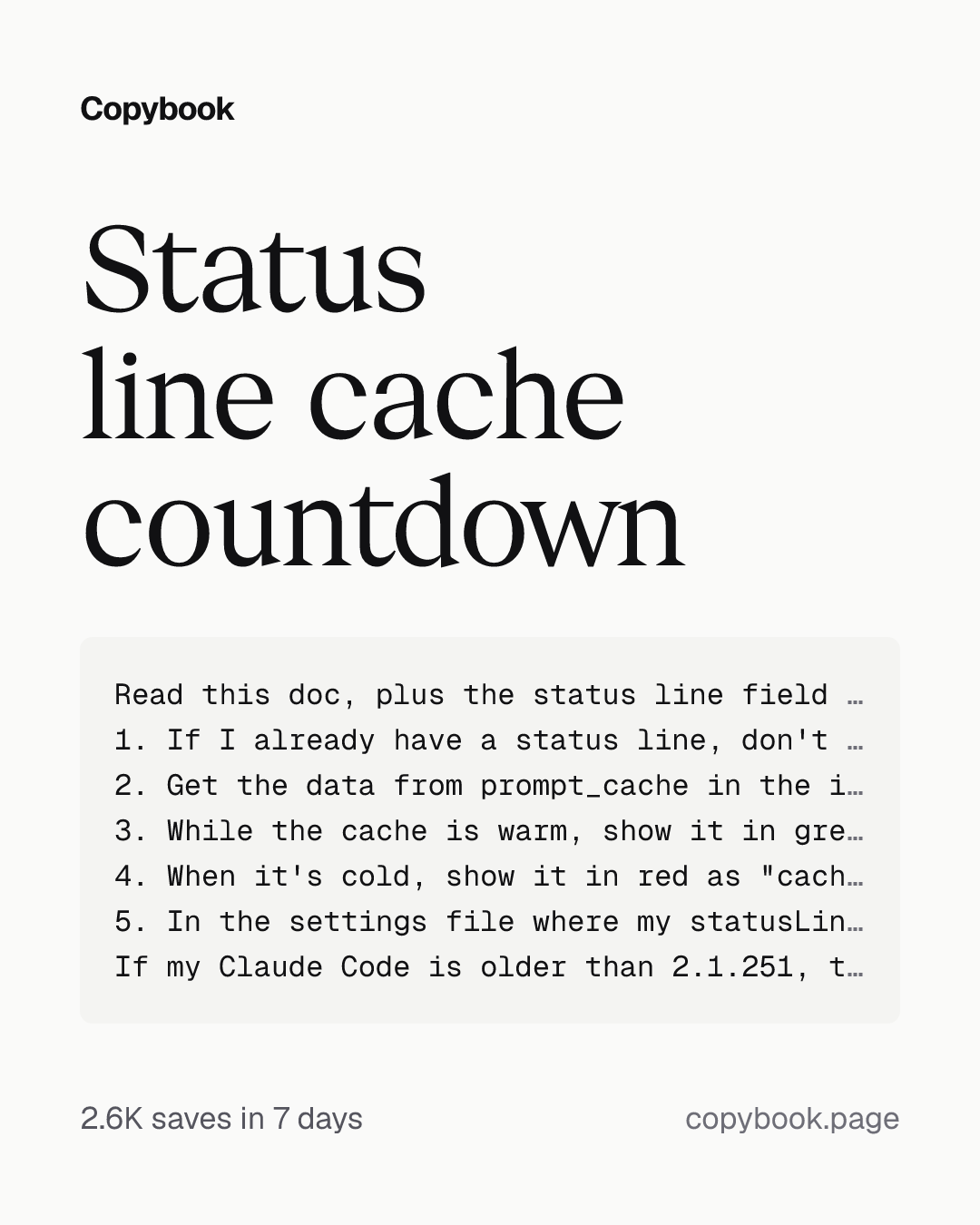
Read this doc, plus the status line field reference it links to, and add a cache segment to my Claude Code status line.
1. If I already have a status line, don't replace it. Save stdin first so the original command and the cache segment read the same input, leave the original output as is, and put the cache segment on its own line after it. If I don't have one, create one.
2. Get the data from prompt_cache in the input: warm, ttl, expires_at, hit_ratio, misses, last_miss_cause, recache_tokens_if_cold. Show nothing until prompt_cache appears, and skip any field my version doesn't have.
3. While the cache is warm, show it in green with a progress bar and the time left, like "cache ● 1h ████░░ 38m left · hit 91% · misses 0". Turn it yellow when less than 20% of the time is left.
4. When it's cold, show it in red as "cache ○ cold · next message re-caches 82k tokens", with the token count rounded to k. Add the miss cause only when there is one.
5. In the settings file where my statusLine already lives, add "refreshInterval": 30 inside the statusLine object, next to command, so the countdown keeps moving.
If my Claude Code is older than 2.1.251, tell me. Don't upgrade it yourself. When you're done, run sample JSON for warm, about to expire, and cold, and show me the output.
Next Send it to Opus 5.5 in Claude Code, with the prompt-caching doc link from the tip.
Every time you send a message, Claude Code sends the whole conversation to the model again. The cache lets it skip reprocessing everything that came before, so replies come back faster and count less against your usage limits. But the cache expires, and the first message after that makes it process the whole conversation from scratch. Normally you can’t see how much time it has left. With this, your status line always shows the minutes left, and once the cache expires, it tells you how many tokens your next message will re-cache. If it’s about to run out and you still have something to ask, ask it now.
The official docs have a few more things I didn’t know:
- On a subscription, within your plan’s usage, the main conversation’s cache lasts 1 hour, while subagents and workflows get 5 minutes. On an API key, or once you’re past your limit and on usage credits, the main conversation gets 5 minutes too.
- Switching models mid-session recomputes everything, and with opusplan, every move into or out of plan mode counts as a switch.
- Editing CLAUDE.md mid-session doesn’t break the cache, but the edit doesn’t apply either until /clear, /compact or a restart.
- Went down the wrong path and want a redo? /rewind back and it can pick up the cache you already had; /compact builds a new one.
Send this prompt and the doc to Opus 5.5: https://code.claude.com/docs/en/prompt-caching
Part of a playbook
Quota and modelsQuota runs out early: effort and models per job, the cache timed, API costs cut.OpenShare this tip