Project instructions from your sessions
Background you re-explain every new session: pulled from your last 20 sessions and written up as project instructions.
499 saves on X, as of Posted
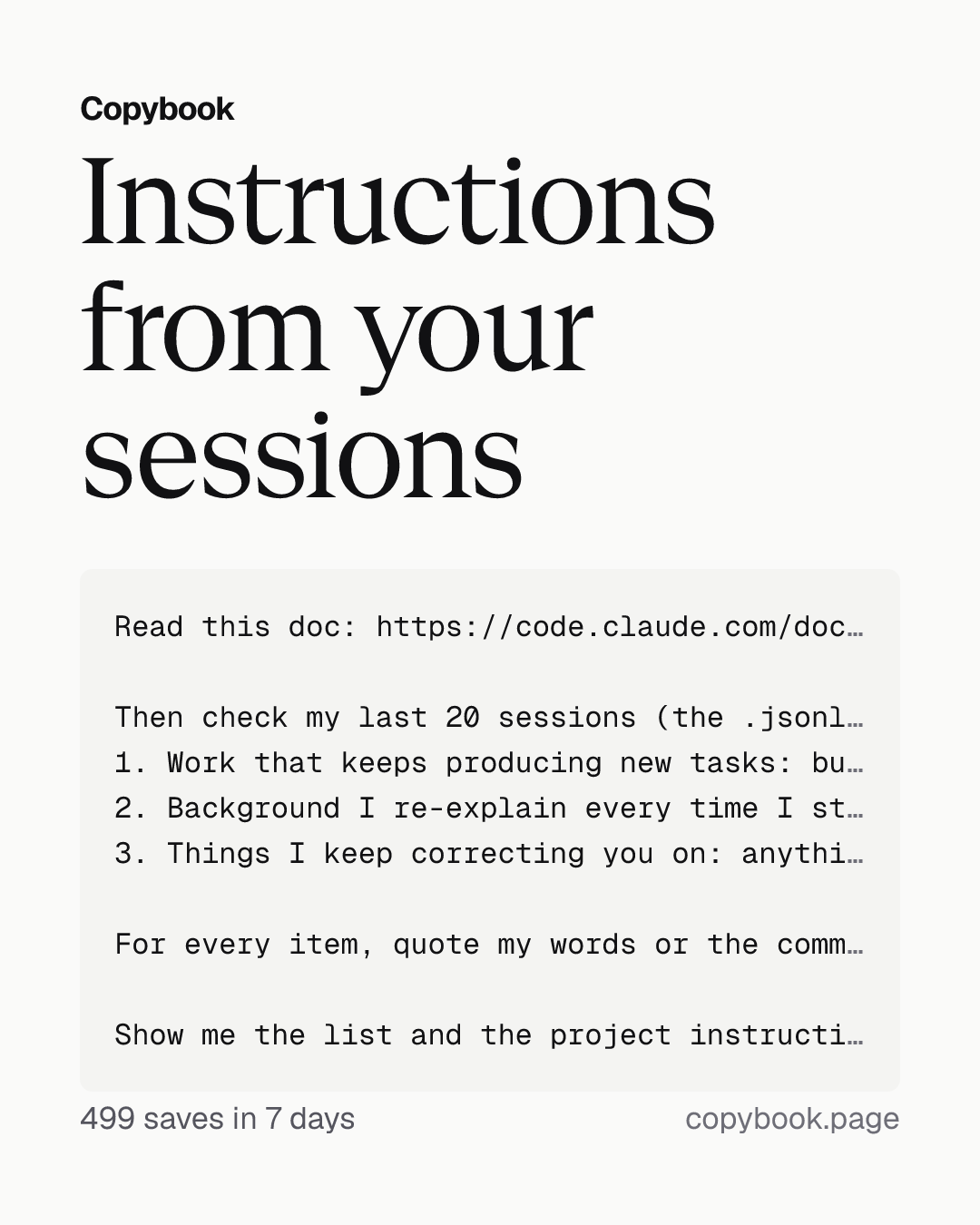
Read this doc: https://code.claude.com/docs/en/claude-projects

Then check my last 20 sessions (the .jsonl files in this repo's folder under ~/.claude/projects/, only what I typed myself) and my recent commits against it, and find three kinds of things:
1. Work that keeps producing new tasks: bugs fixed again and again in the same code, or migrations and features that took several sessions to finish. Using the doc's 'When to use a project' section, pick the one most worth turning into a project and explain why. Based on how hard it is, tell me how to set Thread model and Thread effort. Then pick one small, real task and write it as a first message I can send straight into the project conversation.
2. Background I re-explain every time I start a new session: the target branch, how to run tests, how to name PRs, what to ask me about first. List how often I said each one, with my exact words. Following the five points in the doc's 'Write project instructions' section, write instructions for that project that I can paste straight into Project instructions. Mark anything that only applies to this repo, like build commands, for the repo's CLAUDE.md.
3. Things I keep correcting you on: anything I've said two or more times that isn't already in the instructions. Quote my exact words and turn each into one line I can send straight into the project conversation: 'Remember: …'

For every item, quote my words or the commit, and say what I'd no longer have to repeat or fix once it's in place.

Show me the list and the project instructions first. Don't change anything yet.
Next Send it to Opus 5.5 in Claude Code, from the repo you work in.
Anthropic shared its full guide to Claude Code Projects, and every Pro and Max user on the waitlist got in the same day. You can have Opus 5.5 follow it to go through your recent sessions and turn the background you re-explain every time you start a new session into a set of project instructions.
In a new project, every thread runs on Opus at high effort by default, which uses up your plan fastest. When you hit your limit, a thread doesn’t end. It waits for the limit to reset and keeps going on its own. Without a word from you, it starts using your next usage window. So before you send a batch of work, check Thread model and Thread effort in the project settings, and give work that doesn’t need Opus a smaller model or lower effort.
Send this prompt to Opus 5.5.
Share this tip